Migrating from Notion to Obsidian: Managing Notes with AI Agents
Yesterday, I spent half a day migrating my personal knowledge base from Notion to Obsidian. This post shares the process of organizing notes using AI Agents and the benefits of Obsidian's rich plugin ecosystem.
Yesterday, I spent half a day migrating my personal knowledge base from Notion to Obsidian. Here are the main reasons why.
Why Obsidian?
Perfect Match: Local Storage Meets AI Agents
Powerful note-taking apps like Notion and Obsidian often come with a steep learning curve. Many beginners either quit immediately or only use a fraction of the features.
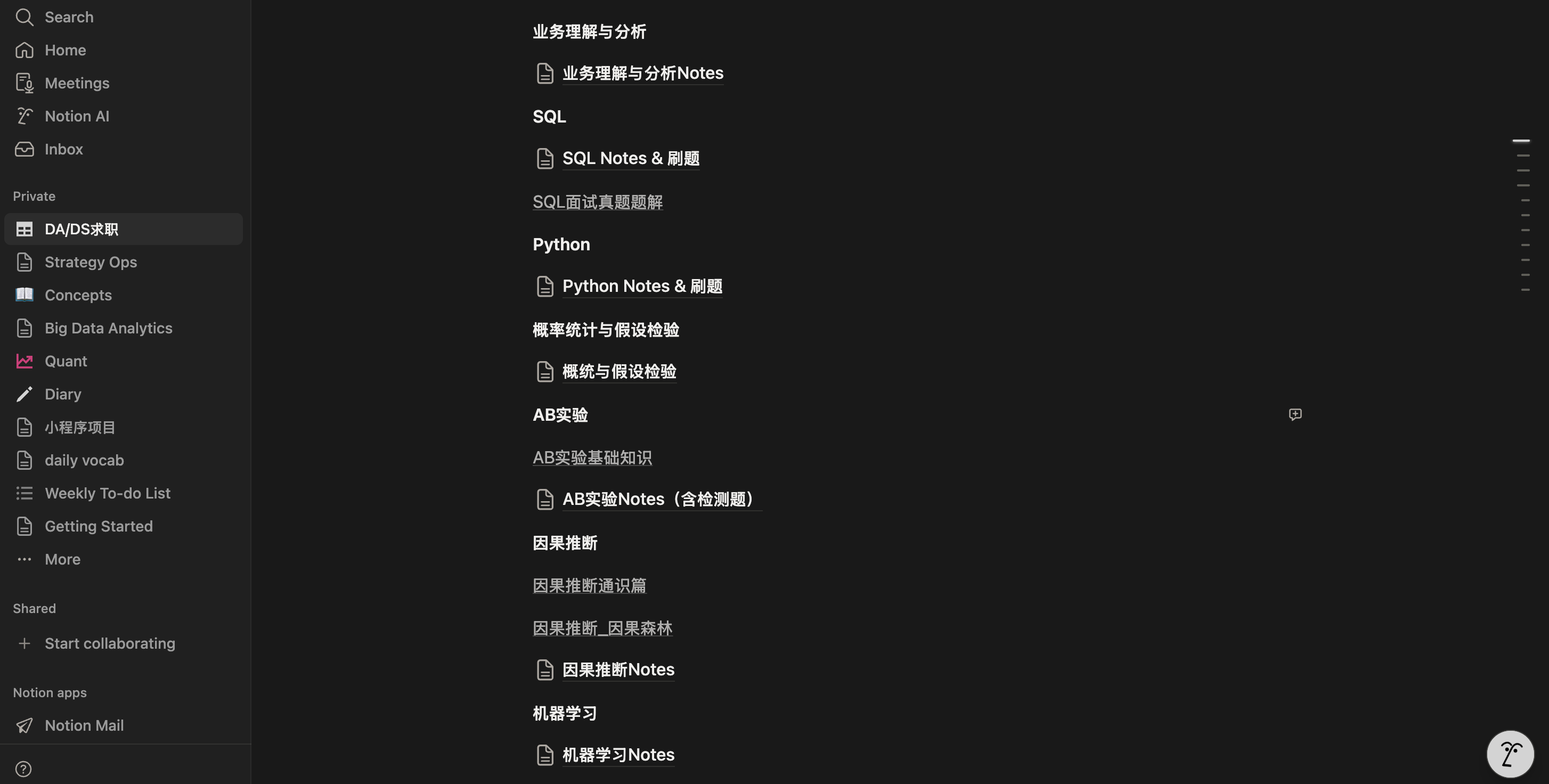
When I used Notion, I was a "brute-force" user. Although I knew power users could do fancy things, I was too lazy to learn those tricks. I just mechanically nested pages: creating a meta page for a topic (like "DS Interview Prep") and then piling up sub-pages for SQL, Python, Machine Learning, AB Testing, etc. In my sophomore year, I also tried Obsidian but gave up due to its overwhelming complexity.
But in today's era of Agentic AI, Obsidian's local storage feature makes it naturally suitable for AI-assisted editing,greatly lowering user friction.
Since notes are essentially local Markdown files, we can directly use local AI Agents like Claude Code, Codex, or OpenCode to take over the tedious editing work. Combined with the official Obsidian Skills, Agents can not only generate beautiful notes following best practices but also automatically create Bases and Canvases. This means we no longer need to struggle with syntax and rules, saving huge learning costs and allowing us to focus on thinking.
The Migration Process & AI Application
Yesterday, I exported my Notion notes as a zip file and imported them into a local Obsidian vault.
Organizing Notes with AI Agents
First, I used my OpenCode (powered by the Claude Opus 4.5 model) to remove the hash suffixes from all note titles.
Then, I instructed the Agent to organize each markdown note one by one based on the markdown skills from Obsidian Skills. Specifically, it added properties like category and tags, making it easier to create bases and customize views through filtering later.
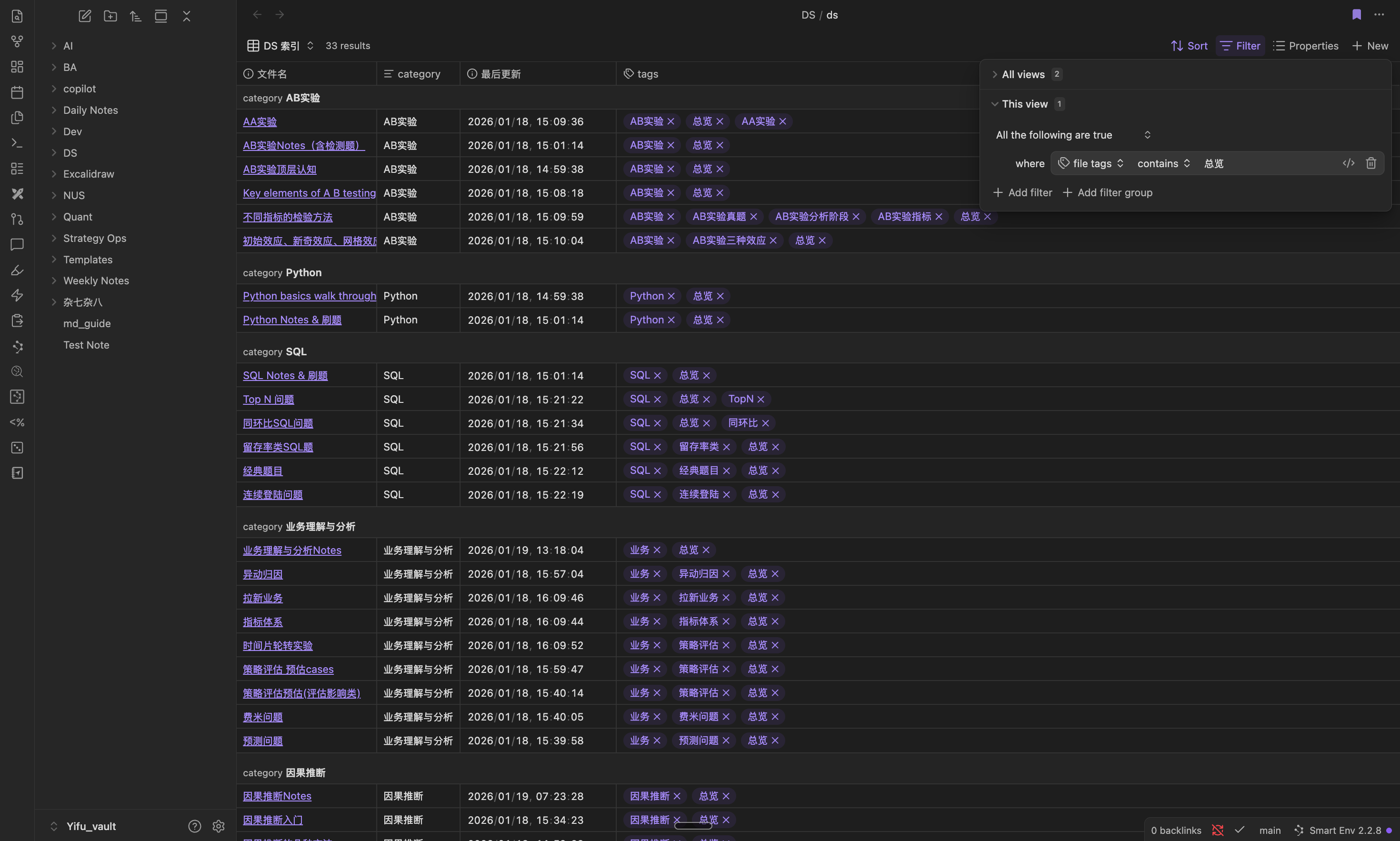
Taking "DS" as an example again, OpenCode created a ds.base file for me. I filtered out the index pages for various topics within "DS Interview Prep" using the condition tags contains 'Overview', creating a comprehensive navigation view. Of course, other customized views are possible, such as filtering for all AB Testing interview questions using category = 'AB Testing' and tags='Real Questions'.
Beautifying Notes
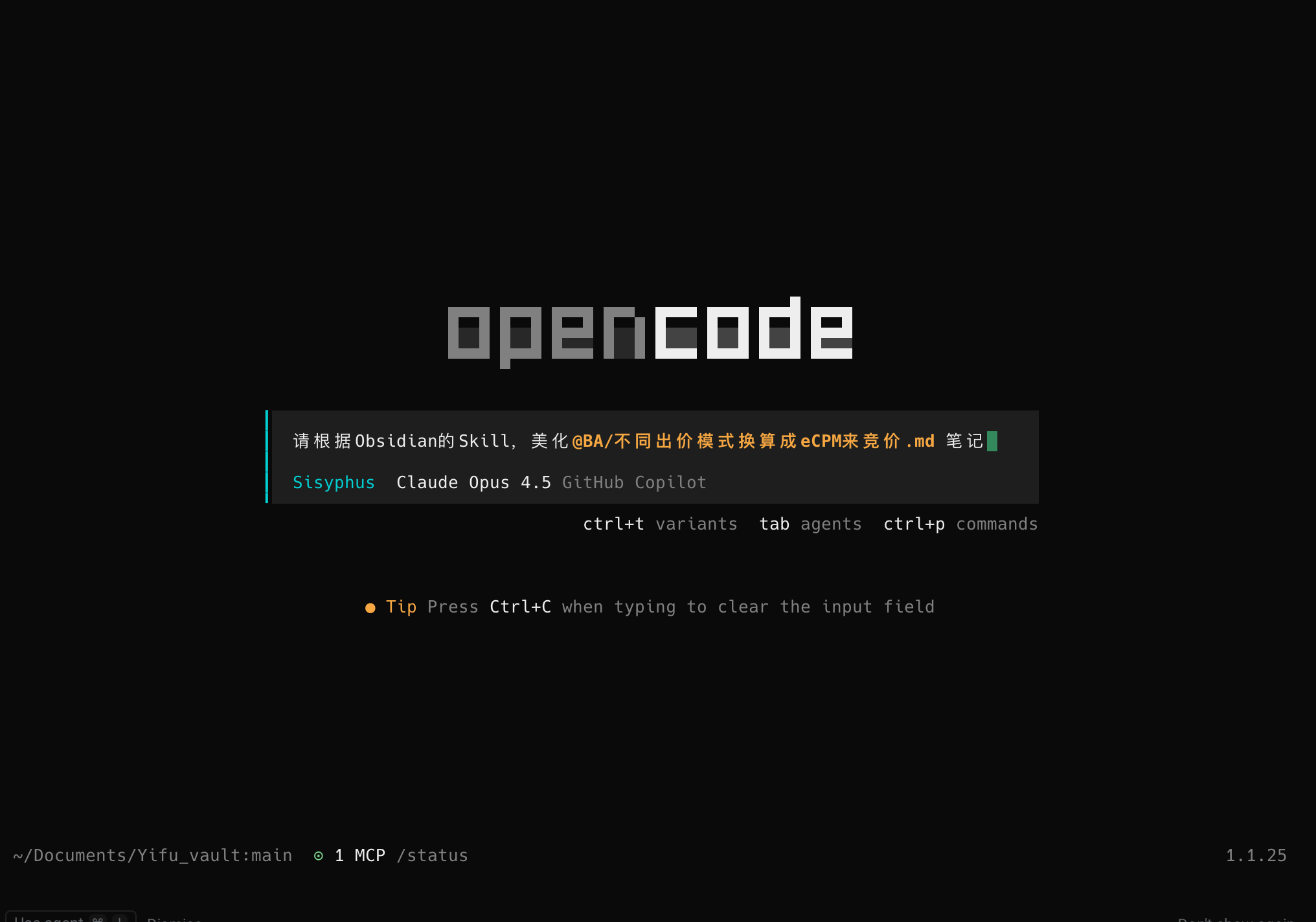
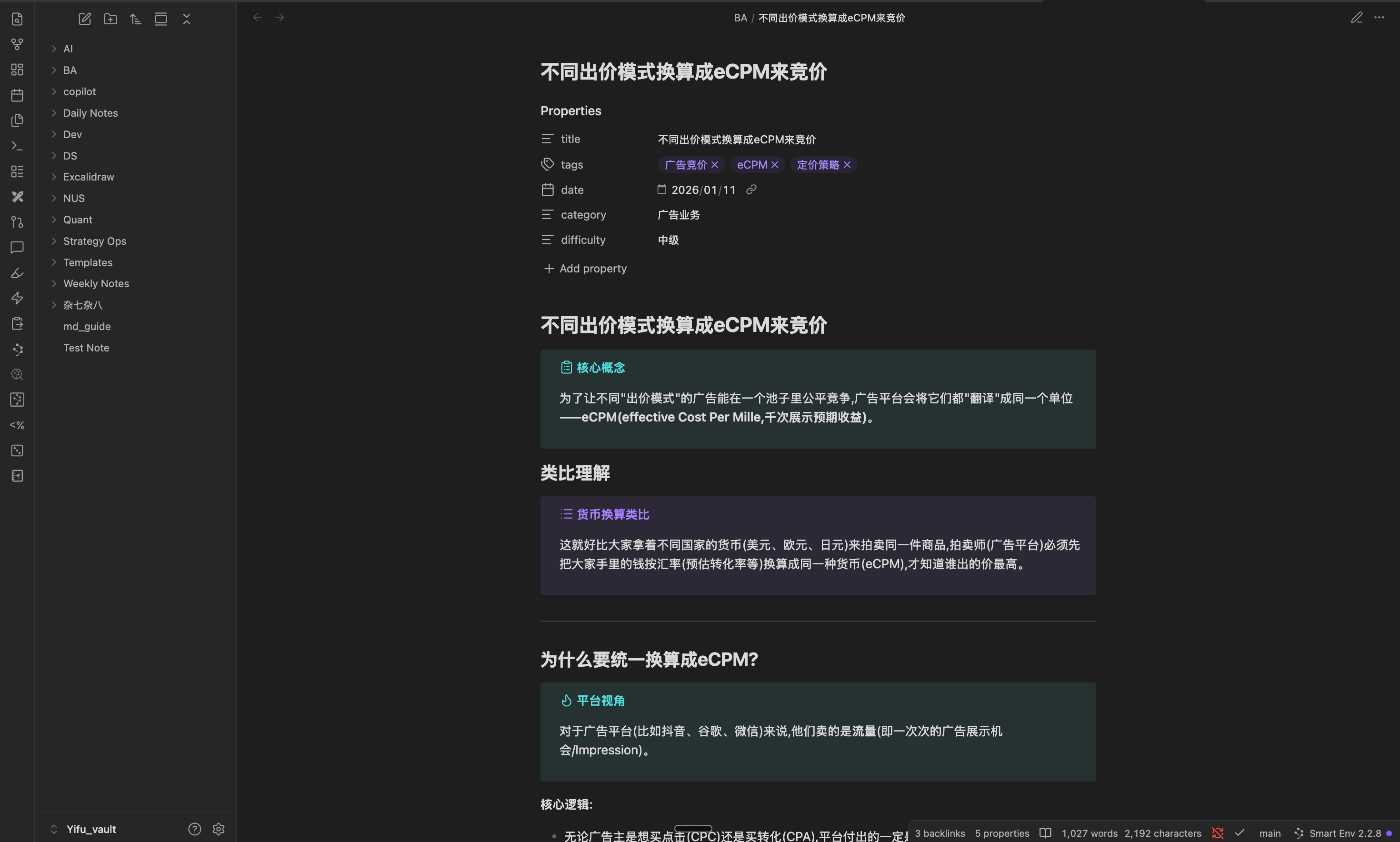
Next, I asked OpenCode to optimize some notes following the markdown guidelines in Obsidian Skills, making them more visually appealing.
Notion also has AI features, but I had only experienced global Q&A or highlighting text for AI editing within a single page. It lacked the satisfaction of having a local Agent directly edit and manage the notes files.
A Rich Plugin Ecosystem
Furthermore, Obsidian boasts a very rich plugin ecosystem.
- Git Plugin: Once configured, you no longer need to manually
git add,git commit, orgit push. Changes to notes can be automatically pushed to a GitHub repo, and any changes on the GitHub repo are immediately pulled locally.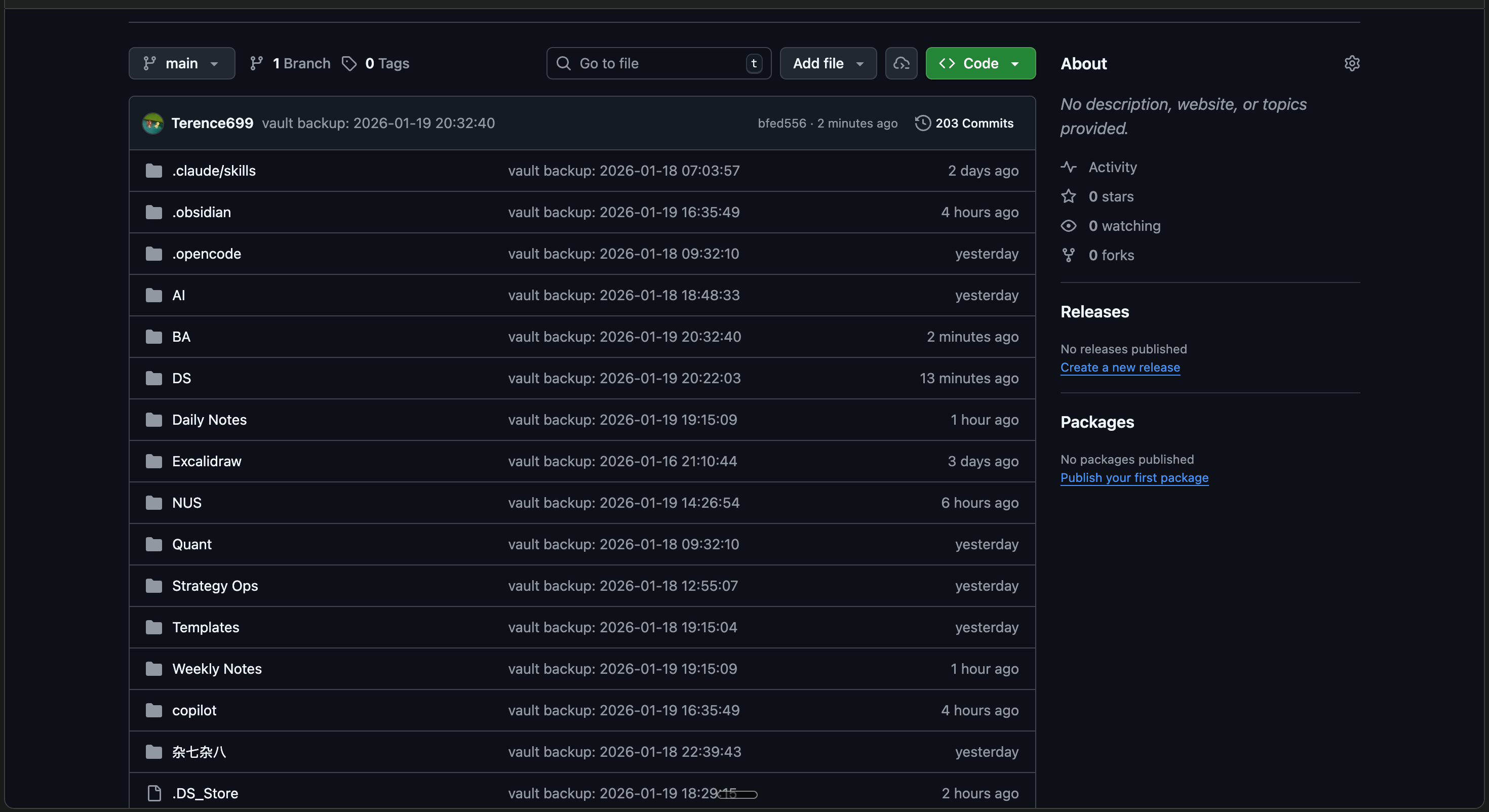
- Copilot Plugin: Allows for Q&A with your notes via a sidebar.
- Excalidraw Plugin: Lets you draw diagrams directly locally.
- Claudian Plugin: Opens Claude Code directly in the sidebar (I hope to see an OpenCode plugin developed soon...).
Conclusion
In summary, the biggest advantage of using Obsidian is having an Agent as your safety net. You can simply state your requirements, and the Agent will customize bases, beautify notes, and create canvases based on Obsidian Skills, significantly lowering the learning curve.
Now, with notes stored locally and synced to clouds like GitHub or Google Drive, data security is guaranteed. Plus, with Obsidian's extensive plugin ecosystem, if you're willing to tinker, you can unlock even more powerful functionality.